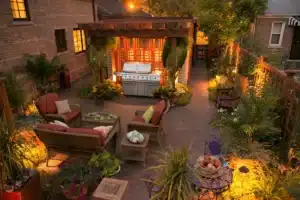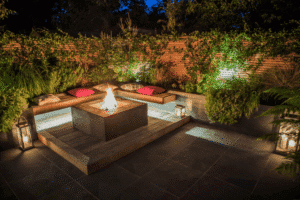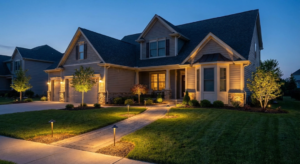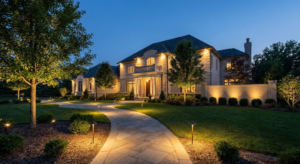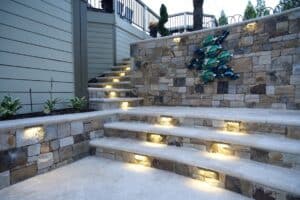
We have all driven past that one house in the neighborhood that is pitch black at 8 PM, only for the floodlights to blaze on at noon the next day. It’s a waste of energy, it looks unintentional, and frankly, it’s a hassle for the homeowner.
You invested time and money into making your home’s exterior look beautiful. The architecture, the landscaping, and the deck all deserve to be seen after the sun goes down. But if you are relying on manual switches or outdated equipment, you aren’t getting the full value of your investment.
This guide is designed to take the guesswork out of outdoor lighting control. We aren’t just talking about turning lights on and off; we are talking about creating a seamless, automated system that works with your lifestyle. You will learn about the different types of timers, how to integrate photocell sensors for dusk-to-dawn efficiency, and how to configure these systems so you never have to flip a switch again.
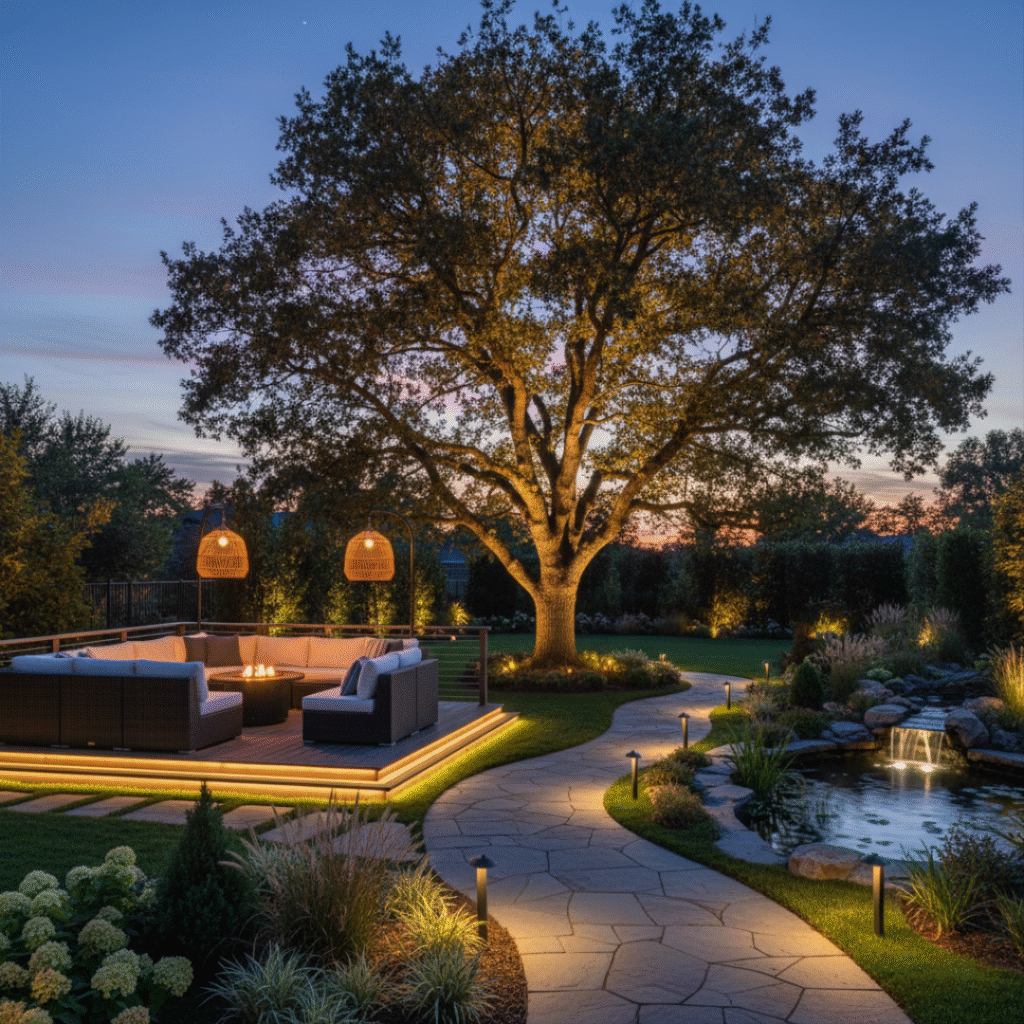
Why You Need a Landscape Lighting Timer
Let’s be honest. Life gets busy. Between work, family, and maintaining the inside of your home, remembering to turn on the patio lights is usually last on the list. This is where a dedicated landscape lighting timer becomes your best friend.
A timer does more than just convenience. It offers enhanced home security. A well-lit home is a deterrent to unwanted guests. When your lights cycle on consistently—whether you are home or on vacation—it gives the appearance of activity.
Furthermore, it improves energy efficiency. Running low-voltage LED lights is already efficient, but running them for 24 hours a day because you forgot to turn them off is not. Automation ensures energy is only used when it is needed: during the dark hours.
The Heart of the System: The Transformer
Before we dive into the gadgets, we need to talk about where the magic happens. In the world of professional lighting (which is what we specialize in at Tru-Scapes), everything runs through the landscape lighting transformer.
This box plugs into your standard 120V outlet and converts that power down to a safe, low-voltage 12V current. Your timer or smart control isn’t usually at the light fixture itself; it lives inside or plugs into this transformer. Understanding this central hub is the first step toward mastering your outdoor lighting.
Choosing Your Control Method
Not all timers are created equal. Depending on your technical comfort level and your specific needs, you generally have three routes to take.
1. Mechanical Timers
These are the old-school workhorses. They typically feature a dial with pins or tabs that you push in or pull out to set the “On” and “Off” times.
- How they work: A motor inside rotates the dial. When the dial hits a depressed pin, the lights turn on.
- The Vibe: Simple, rugged, and reliable.
- The Catch: They don’t know when the sun sets. You have to manually adjust them as the seasons change, or your lights will be on while it is still sunny in July, or off when it is pitch black at 5 PM in December.
2. Digital Timers
These look a bit like a digital alarm clock. They plug into the transformer and offer more granular control.
- How they work: You program specific times digitally. Many allow for different schedules on different days.
- The Vibe: Precise and often battery-backed, so you don’t lose settings during a power outage.
- The Catch: Like mechanical timers, standard digital versions often require seasonal adjustments unless they have an astronomic feature (which calculates sunset based on your location).
3. Smart Automation (Wi-Fi/Bluetooth)
This is the modern standard. This involves the implementation of smart lighting automation systems directly into your transformer.
- How they work: You use an app on your smartphone to control the lights.
- The Vibe: Set it and forget it. These systems sync with local weather and time data to adjust automatically.
- The Catch: Requires a stable Wi-Fi connection at the transformer location, which can sometimes be tricky outdoors.
Feature Comparison: Which Timer Fits You?
Here is a quick breakdown to help you decide which control method suits your home.
| Feature | Mechanical Timer | Digital Timer | Smart (Wi-Fi) Timer |
| Cost | Low | Low – Medium | Medium – High |
| Ease of Setup | Very Easy | Moderate | Moderate (App required) |
| Seasonal Adjustment | Manual | Manual (usually) | Automatic |
| Remote Access | No | No | Yes (via Phone) |
| Best For | Simple setups | Specific schedules | Total automation |
The Magic of Photocells
If you want automation without navigating smartphone apps, the application of photocells in outdoor lighting is the responsible lighting standard for a reason.
A photocell is a simple light sensor. It detects ambient light levels. When the sun goes down and the ambient light drops below a certain threshold, the sensor completes the circuit and turns your lights on. When the sun comes up, it breaks the circuit, turning them off.
Types of Photocell setups:
- Dusk to Dawn: The lights stay on all night. This is great for security lighting around perimeters.
- Dusk to Timer (Timer/Photocell Combo): This is the “Goldilocks” solution for most homeowners. The photocell turns the lights on at sunset (regardless of what time that is), and a timer turns them off at a specific hour (e.g., 11 PM or Midnight).
This hybrid approach ensures you aren’t wasting electricity at 4 AM when no one is looking at your deck, but you also never have to adjust the start time for Daylight Savings.
Configuration Procedures for Landscape Light Timers
So, you have your Tru-Scapes transformer and your timer of choice. How do you actually set it up? While every model varies slightly, here are the general configuration procedures for landscape light timers.
Setting a Mechanical Timer
- Locate the Arrow: Find the arrow on the face of the dial. This indicates the current time of day.
- Set Current Time: Rotate the dial until the arrow points to the actual time right now.
- Set the Schedule: Push the pins down (or pull them out, depending on the brand) for the hours you want the lights ON.
- Tip: If you want lights on from 7 PM to 11 PM, ensure every pin between those numbers is depressed.
- Activate: Slide the master switch to “Timer” mode (often labeled with a clock symbol).
Setting a Digital Timer
- Reset: Always hit the reset button with a paperclip before starting to clear old factory data.
- Set Date/Time: Use the designated buttons to input the current year, month, day, and time.
- Program Events: Navigate to “Program 1 On”. Select your start time. Navigate to “Program 1 Off”. Select your end time.
- Mode: Ensure the device is set to “Auto” so it follows your program.
Setting a Smart Transformer
- Download the App: Check your transformer manual for the specific app (e.g., Smart Life or a proprietary brand app).
- Pairing Mode: Press and hold the pairing button on the transformer until a light flashes rapidly.
- Connect: Open the app, add a device, and enter your Wi-Fi password.
- Automation: inside the app, look for “Automation” or “Scene.” Set a condition: “If Sunset, Then Turn On.” Set a second condition: “If Time = 11:00 PM, Then Turn Off.”
Troubleshooting Common Issues
Even the best systems have hiccups. If your landscape lighting timer isn’t behaving, check these common transformer and timer culprits before calling a professional.
The “Disco” Effect (Blinking Lights)
If your lights are flashing on and off rapidly, it is almost always a photocell placement issue.
- The Cause: The photocell turns the lights on because it’s dark. The light from your fixtures (or a neighbor’s floodlight) hits the sensor. The sensor thinks it is daytime and turns the lights off. It gets dark again, and the cycle repeats.
- The Fix: Move the photocell sensor. It needs to be in an open area to catch the sky’s light, but shielded from artificial light sources. You can also try angling it away from your house lights.
Lights On During the Day
- The Cause: Usually, the photocell is in a shadow. If you placed the transformer behind a dense bush or under a deck, the sensor thinks it is night all day long.
- The Fix: Most transformers allow you to run a remote photocell. This is a wire that lets you mount the sensor continuously in a sunny spot while keeping the transformer hidden.
Timer Not Keeping Time
- The Cause: Power outages. If you have a mechanical timer and the power goes out for three hours, your timer is now three hours behind.
- The Fix: Reset the dial to the current time. If this happens often, consider upgrading to a digital timer with a battery backup or a smart system that syncs via the cloud.
Implementation of Smart Lighting Automation Systems
For the tech-savvy homeowner, moving beyond simple timers to comprehensive smart home integration is the ultimate goal. When we talk about the implementation of smart lighting automation systems, we are talking about ecosystem integration.
If you use Google Home, Amazon Alexa, or Apple HomeKit, look for transformers or smart plugs that are compatible.
Why go this route?
- Voice Control: “Hey Google, turn on the patio lights.” It’s a nice party trick, but also useful when you are carrying groceries in the dark.
- Zoning: Advanced systems allow you to create distinct lighting zones. You could have the path lights on a timer for safety, but keep the bright deck post lights off until you actually go outside to entertain.
- Vacation Mode: Some smart systems have a “randomize” feature that varies the on/off times slightly each day, making the house look genuinely occupied.
Best Practices for Tru-Scapes Systems
At Tru-Scapes, we design our fixtures to be robust and professional-grade. To get the most out of our lights, we recommend using a transformer that offers a dedicated photocell port and a timer slot.
Pro Tip: Do not overload your transformer. Even with a great timer, if you have 300 watts of lights plugged into a 200-watt transformer, the breaker will trip before the timer even gets a chance to work. Always properly size your transformer and leave about 20% headroom.
Conclusion
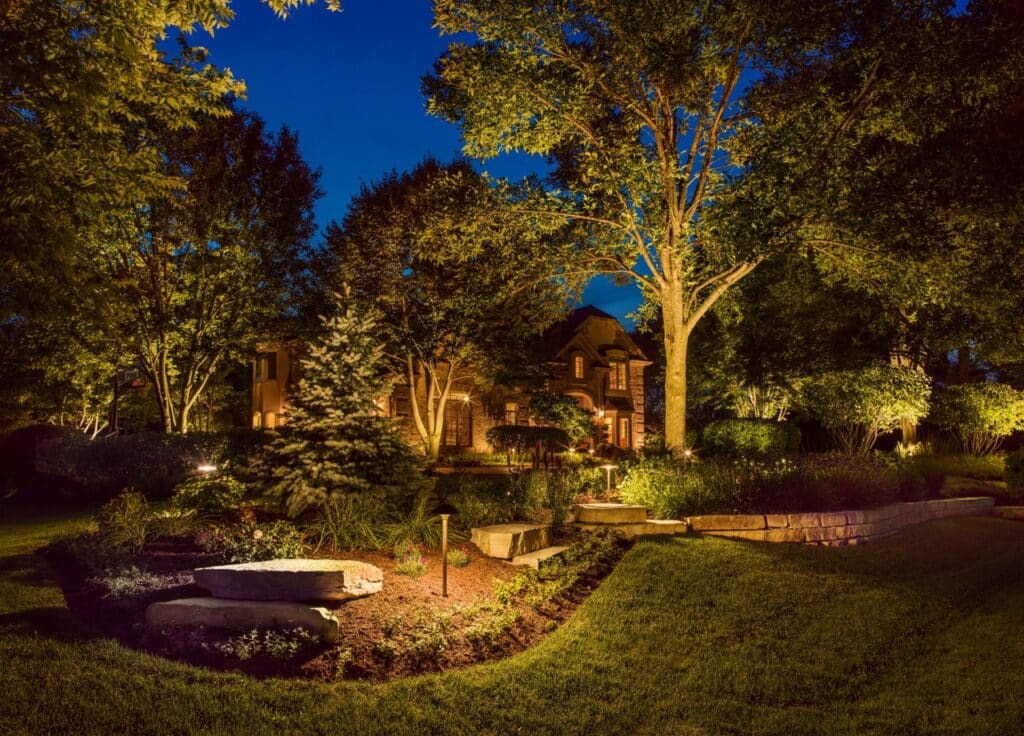
Your outdoor space is an extension of your home. It’s where you relax with a glass of wine after work, where the grandkids play on summer evenings, and where you welcome friends for dinner. A landscape lighting timer ensures that this space is always ready, warm, and welcoming.
By mastering the configuration procedures for landscape light timers and understanding the application of photocells in outdoor lighting, you remove the friction from the experience. No more flipping switches, no more wasted electricity, and no more coming home to a dark driveway.
Whether you opt for a simple mechanical dial or the full implementation of smart lighting automation systems, the goal is the same: effortless beauty.
Ready to upgrade your control? If you are looking for the right transformer to power your Tru-Scapes lights, or if you have questions about which timer fits your current setup, we are here to help. Browse our selection of transformers and accessories today to put your lighting on autopilot.